
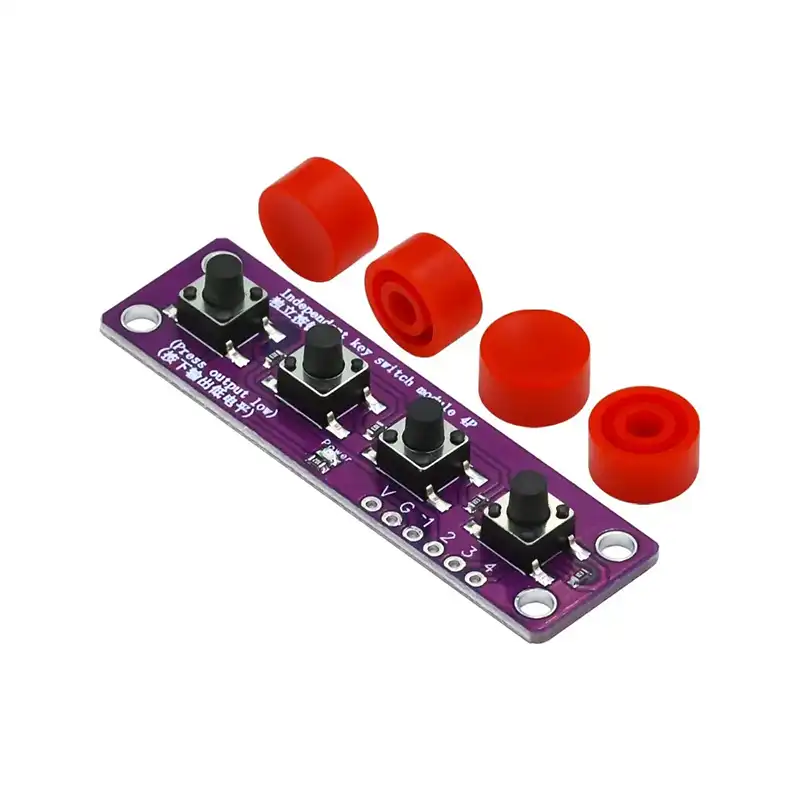
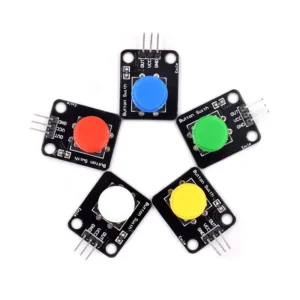
Tactile Switch 4 Button Module Stem Education
A “tactile switch” (also called an independent push button) is a type of momentary switch. When using it, pressure is applied in the operating direction so that the switch is activated and the circuit is closed. When the pressure is released, the switch opens and disconnects again. Its internal structure relies on the deformation of a metal spring contact to achieve switching on and off.
From the four-pin circuit diagram below, we can clearly observe that under normal conditions, pins 1 and 2 are connected, and pins 3 and 4 are also connected. When the button is pressed, all four pins become electrically connected. When the button is released, it returns to its normal state.
Digital I/O can be used to implement button control. The digital I/O ports include INPUT and OUTPUT functions. Now we will try using the INPUT function in Arduino, which is used to read input values from external devices during the experiment.
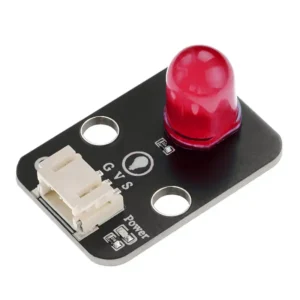
We will use a push button and an LED to complete an experiment combining INPUT and OUTPUT functions. In our button module, when the button is pressed it outputs a LOW level, and when it is released it outputs a HIGH level.
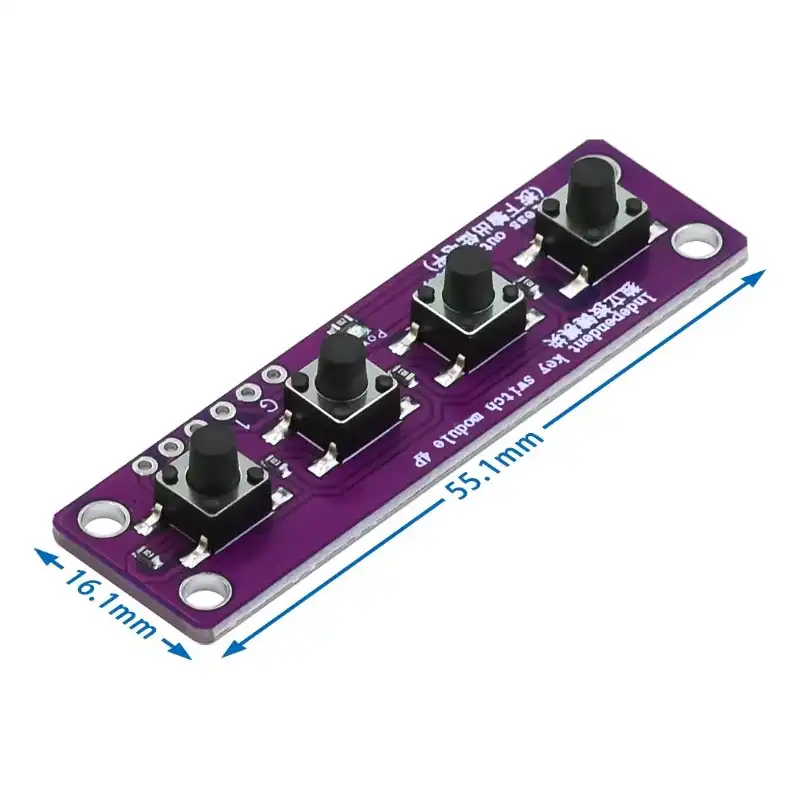
Button Pin Name & Description
- G — GND (Power input negative terminal)
- V — VCC (Power input positive terminal)
- 1 — Digital signal pin
- 2 — Digital signal pin
- 3 — Digital signal pin
- 4 — Digital signal pin
Module Specifications
- Operating voltage: 3.3V / 5V
- Connection type: 2.54mm pin header
- Mounting method: double screw fixing
How to order this button module?
Contact us get a quotation via whatsapp online or leave us message in the contact us page. Our catalog contains more than 1000 SKUs in stock, it contains different other electronic components, like development board, sensor module, development kits and parts etc. Welcome inquire us to get a catalog.

Reviews
There are no reviews yet.